Scan privately
StackShot checks your library on your iPhone and finds the biggest opportunities.
The private iPhone cleaner
StackShot finds duplicate photos, forgotten screenshots, and oversized videos — so you can clean up your library without losing what matters.
Built for iPhone · Your photos stay on your device
That’s room for about 4,600 more photos.
The real app
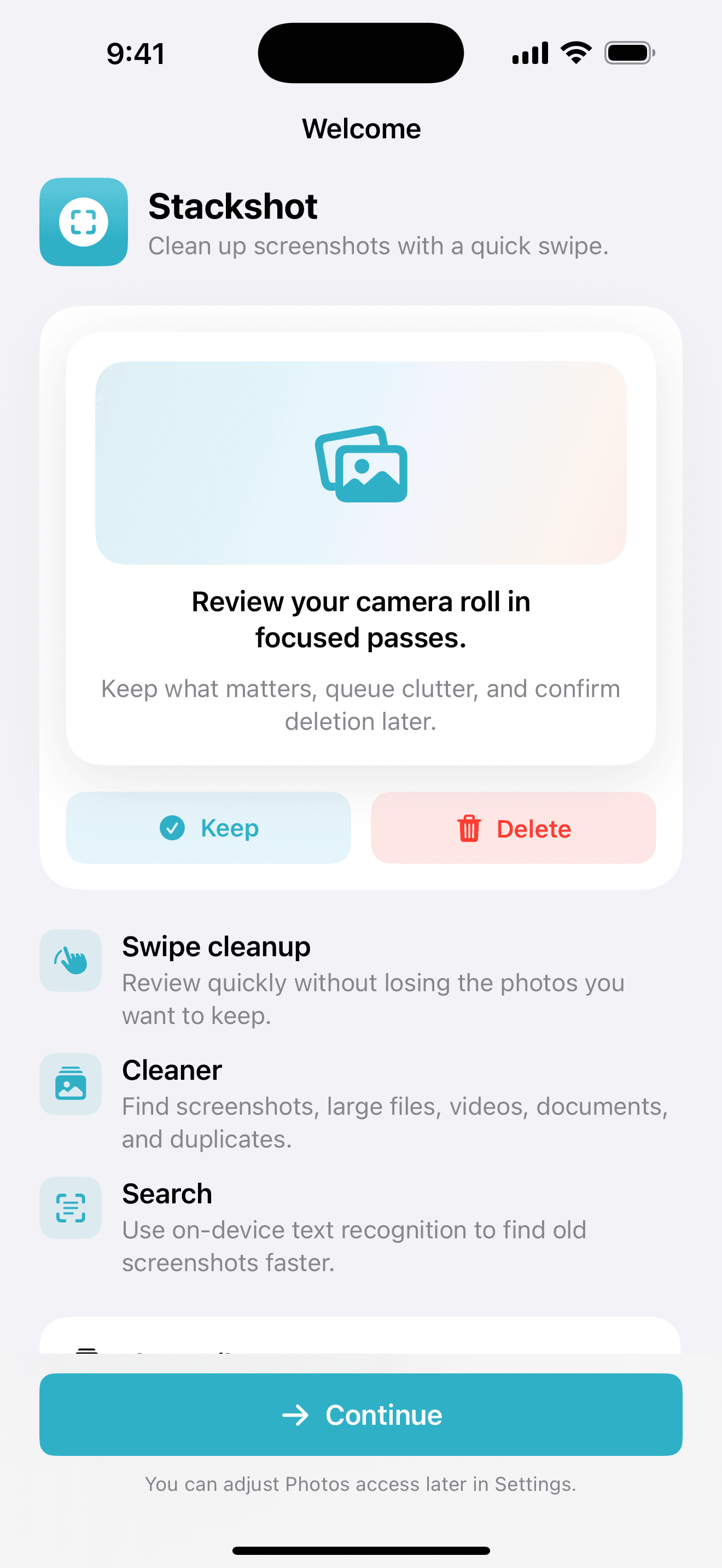
Work through your camera roll in clear passes. Keep what matters, queue the clutter, and confirm before anything is removed.
A calmer camera roll
No scary bulk-delete button. Just focused choices, one smart group at a time.
StackShot checks your library on your iPhone and finds the biggest opportunities.
Compare similar shots with a suggested keeper already highlighted for you.
Confirm your choices and watch your storage breathe again. You can still recover mistakes.
Built for real-life photo libraries
Duplicates
StackShot groups near-identical photos and helps you choose the sharpest, clearest shot — without the endless camera-roll hunt.
Explore the featureScreenshots
Review old screenshots, receipts, memes, and one-time references in a focused queue made for quick decisions.
Explore the featureBig files
Surface large videos and Live Photos, then shrink what you want to keep or remove what you no longer need.
Explore the featurePrivacy isn’t a setting
StackShot is designed around on-device intelligence. Your photos aren’t sent to a server just to tell you which ones look alike.
Good to know
No. Your photo analysis happens privately on your device. Your library stays yours.
Deleted photos move to the iOS Recently Deleted album, where they can be recovered for 30 days.
Yes. It compares similar shots and highlights the strongest option, while leaving the final choice to you.
Yes. StackShot can find large videos and help compress eligible videos while keeping an optimized copy in Photos.
StackShot is still in pre-release. Final pricing and what is included will be published before App Store downloads open.
Launching on the App Store
StackShot is still in pre-release. Join the launch list and we’ll let you know when downloads open. Final pricing will be announced before launch.